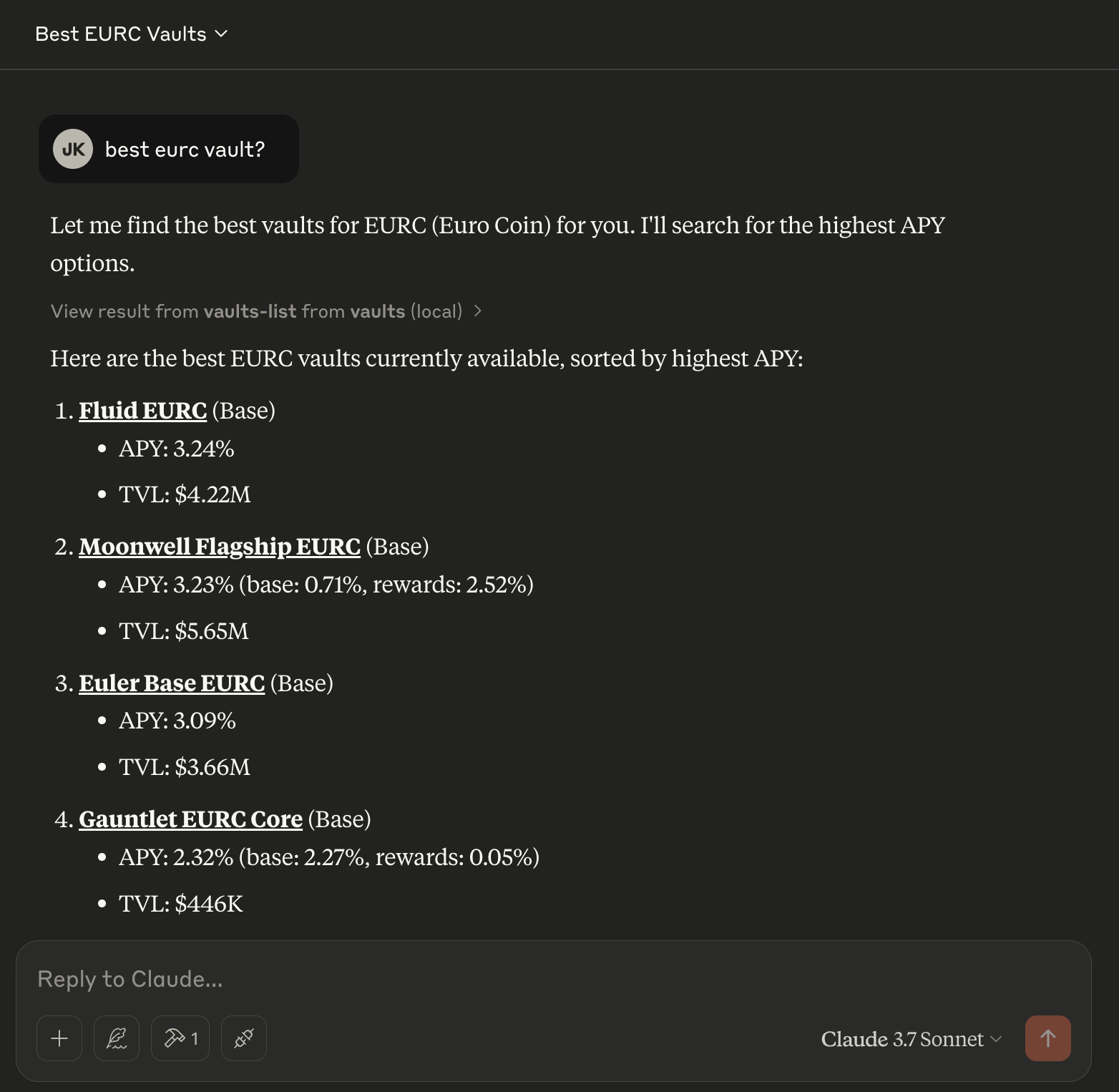
# MCP / Claude Desktop
Here is a brief guide on how to configure Claude Desktop to use vaults.fyi via the MCP server.\
\
(MacOS Instructions)
* **Install Homebrew (if you don’t already have it)**
* Visit and follow the instructions there.
* **Install Node.js via Homebrew**
1. Update Homebrew:
```bash
brew update
```
2. Install Node.js (includes npm):
```bash
brew install node
```
* **Add the vaults.fyi MCP server configuration**
1. Open the file:
```
~/Library/Application\ Support/Claude/claude_desktop_config.json
```
2. Insert the following snippet into the file (replace `your-api-key` with your personal Vaults.fyi API key):
```json
{
"mcpServers": {
"vaults": {
"command": "npx",
"args": [
"@vaultsfyi/mcp"
],
"env": {
"VAULTS_API_KEY": "your-api-key"
}
}
}
}
```
* **Restart Claude Desktop**
* Once you’ve saved the configuration file, restart Claude Desktop. The Vaults.fyi MCP server should now be available for your use. The small "hammer icon" at the bottom of Claude window should say "1 MCP Tool available" (or more if you installed others). \