

The widget is currently available to select partners. Contact us to learn more.
Widget vs. API or SDK
Use the widget when you want a branded Earn experience without designing every vault list, deposit form, position view, and transaction state yourself. Use the API or SDK when you want full control over the interface and business logic.A yield experience configured for your product
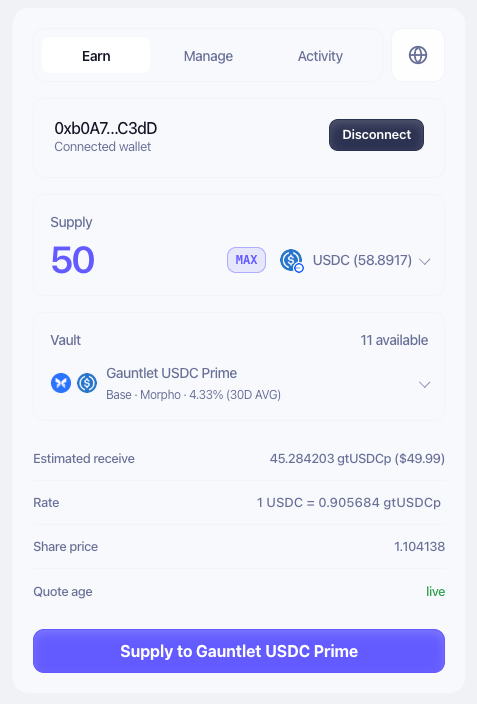
allowedNetworks, including EVM networks and Solana/SVM coverageallowedAssets,allowedProtocols,allowedVaults, curators, and tagsminTvlUsd,minReputationScore, and APY filters- APY window, sort order, and number of opportunities shown
- Discover and Positions views
- Visible columns and data displayed in each view
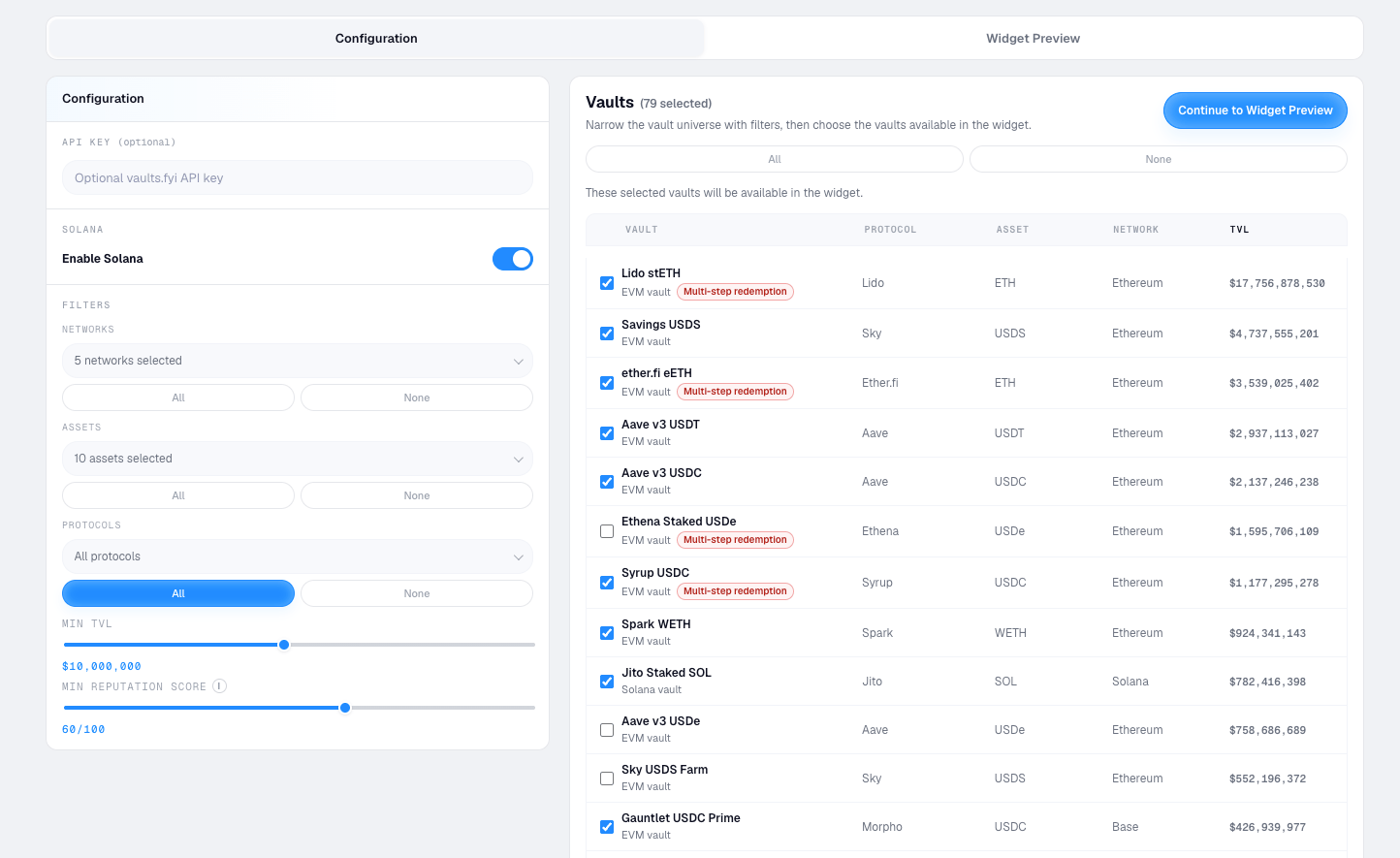
Match your product’s brand
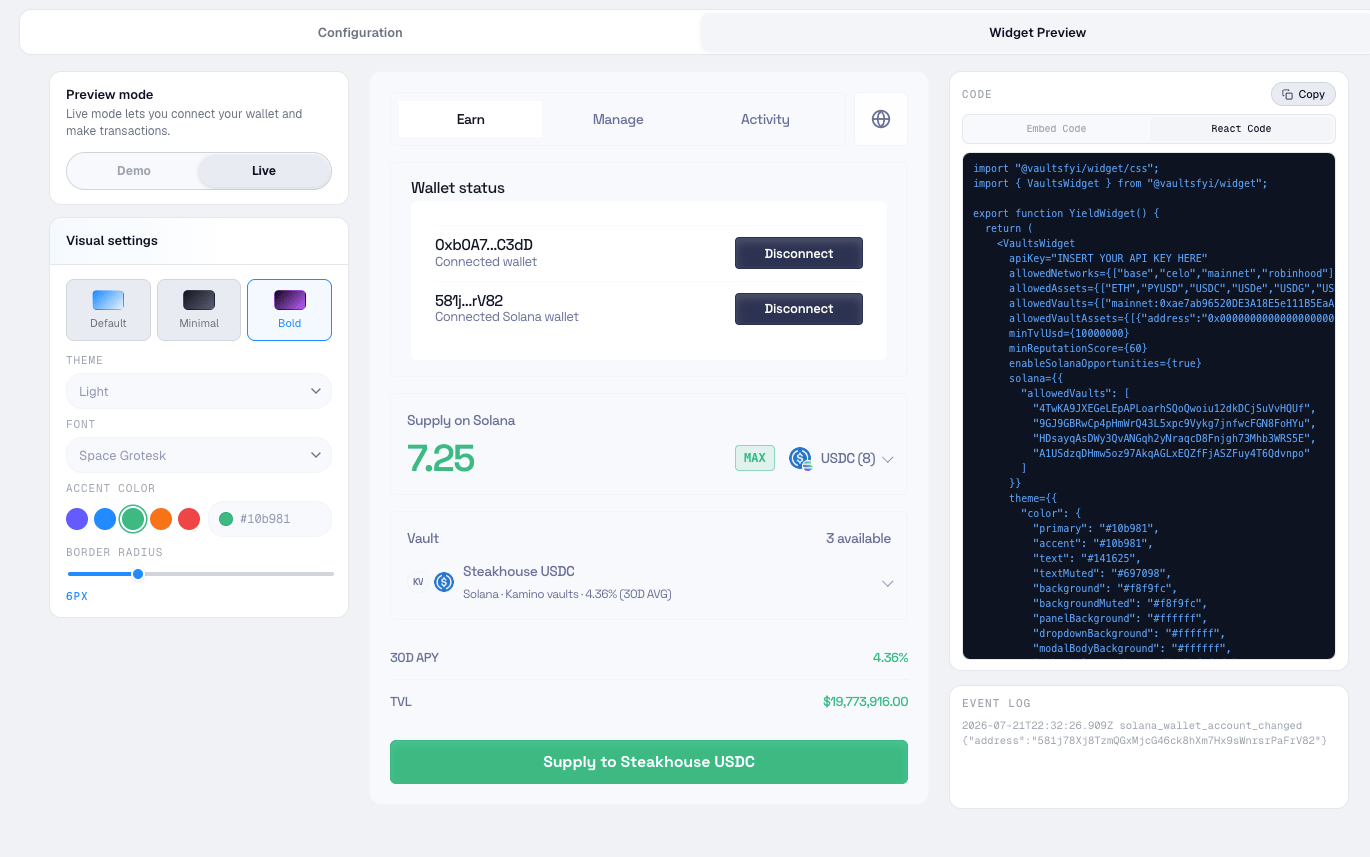
- Light or dark mode
- Accent color
- Font and corner radius
- Widget title
- Optional vaults.fyi attribution
- Visible columns for APY, TVL, protocol, curator, score, redemption type, balances, and returns
Support discovery, positions, and transactions
The widget can present a compact Discover experience, a user’s existing positions, or both. For transaction-enabled integrations, it supports host-controlled signing and custody handoff flows. Your product keeps control of the wallet experience while vaults.fyi provides the underlying opportunity data and transaction context.How integration works
1
Configure the opportunity set
Choose the networks, assets, protocols, vaults, curators, tags, TVL thresholds, reputation score threshold, APY window, sort order, and views available in the widget.
2
Apply your brand settings
Set the theme, accent color, font, corner radius, widget title, attribution preference, and visible data fields.
3
Embed the widget
Add the generated embed code or React component to your app. Your team controls where the widget appears and which mode is shown.
4
Connect wallet context
Let the widget use the connected wallet context or pass the relevant wallet state from your host app, including EVM and Solana accounts where supported.
5
Handle transactions
For live transaction flows, vaults.fyi provides the opportunity data and transaction context while your product controls signing, broadcasting, and custody handoff.